 macOS 13+ · No account needed · 100% local storage
Rich Thumbnails
Paste a YouTube or Vimeo link and the thumbnail, title and duration are pulled in automatically.
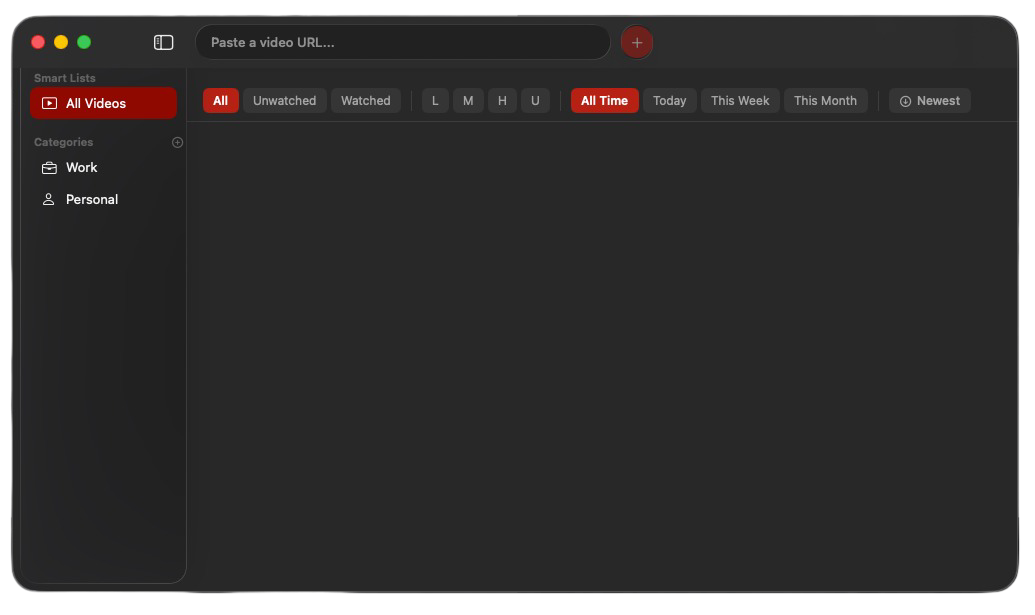
Queue videos from YouTube, Vimeo, and anywhere on the web — organised by category, searchable in seconds, and always one click from playing.

macOS 13+ · No account needed · 100% local storage
The App
A library that shows you what you saved and a quick-add that stays out of your way until you need it.
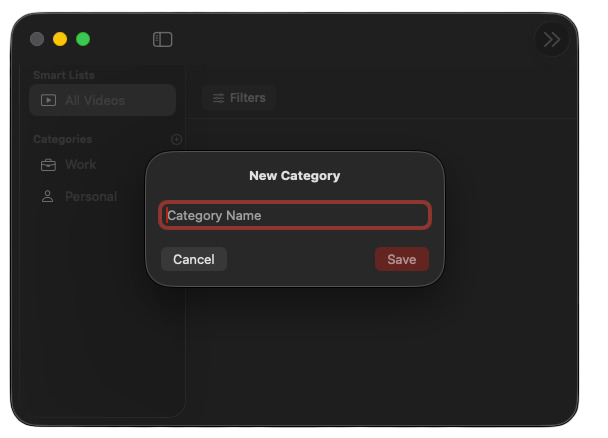
Add new categories with just a name. Organise your videos your way — whether it's by topic, project, or mood.
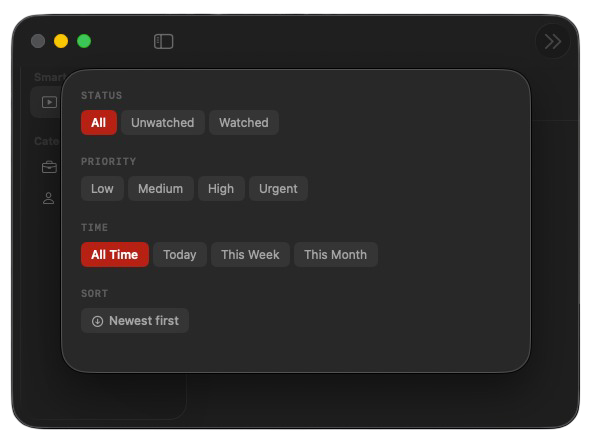
Sort and filter your videos by category, watched status, or date added. Find exactly what you're looking for in seconds.
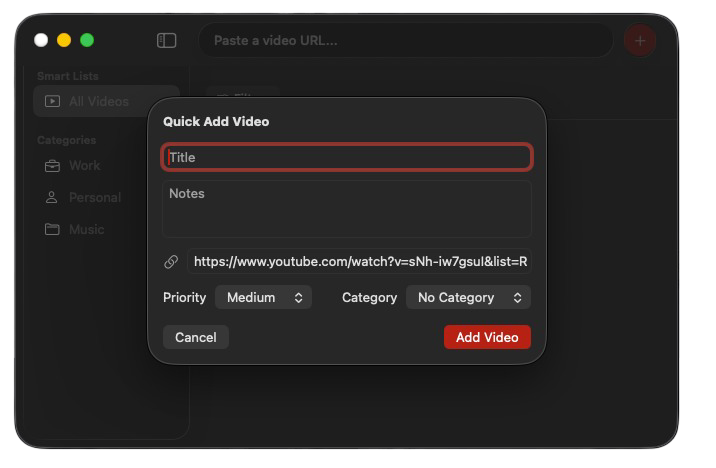
Copy any video URL and press Cmd+Ctrl+Y to add it. Done in seconds.
Features
Built for people who actually watch things — not people who like organising their watch list.
Paste a YouTube or Vimeo link and the thumbnail, title and duration are pulled in automatically.
Press your shortcut from anywhere on your Mac. Quick Add pops up with the URL pre-filled from your clipboard.
Group videos into categories. Tutorials, music, news — keep your library organised your way.
Tag videos Low, Medium, High, or Urgent. Filter by priority to surface what you want to watch next.
Mark videos as watched. Filter to unwatched only. Actually make progress on your backlog.
No accounts, no cloud sync, no subscriptions. Your library lives on your Mac. Private by default.
How It Works
Find a video on YouTube, Vimeo, or anywhere else. Copy the URL — that's it.
Press your global shortcut. Quick Add opens with the link and thumbnail already loaded.
Open your library, filter by category or priority, and actually clear your watch backlog.
Free to download. No account. No nonsense.

macOS 13 Ventura or later